U Market User Guide
I wrote this guide to instruct student employees in how to use our University's online purchasing system.
Context
As the Purchasing Specialist for the Industrial and Systems Engineering (ISyE) Department at the University of Minnesota, I managed our department's purchasing and supply orders.
The University used an online purchasing system for internal orders called U Market.
The U Market interface was a bit daunting to new users, so I wrote a user guide for the student employees who monitored our supply levels.
This guide showed them how to place an order and assign it to me to finish processing the purchase.
Process
This document went through several iterations before the final redesign linked on this page.
I adapted a previous draft of the document when I created this guide, updating the text and adding sections to explain sub-processes such as ordering from Amazon through U Market.
As I reworked the guide, I made it more readable and user-friendly.
I updated the formatting of the document to look professional and consistent with other department documentation I helped create.
In addition, I added screenshots of the U Market interface to the guide to explain certain steps.
Impact
Image Gallery
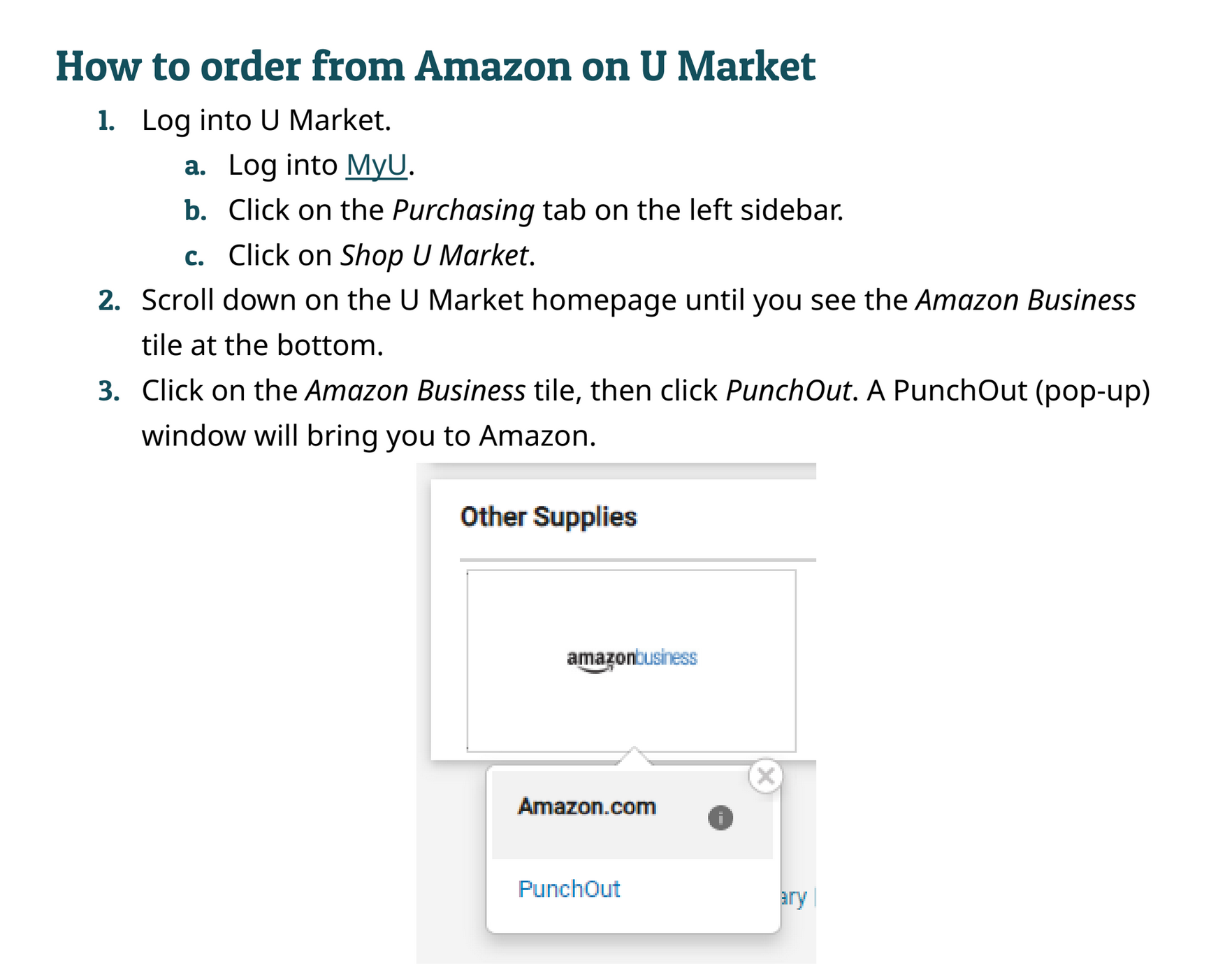 A sample of the user guide's numbered steps and embedded images.
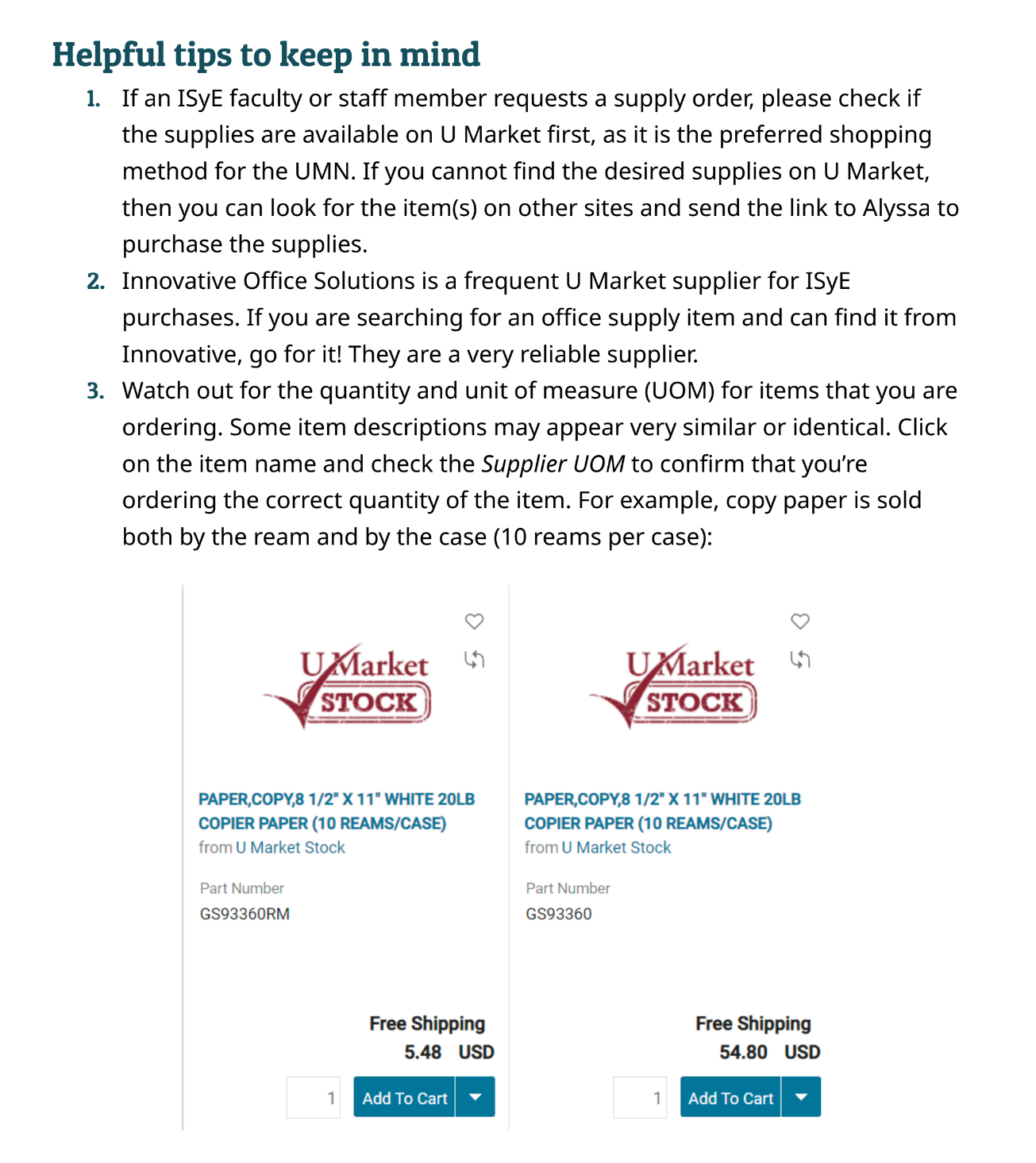 I included helpful tips in the guide inspired by frequently asked questions from the document's audience.